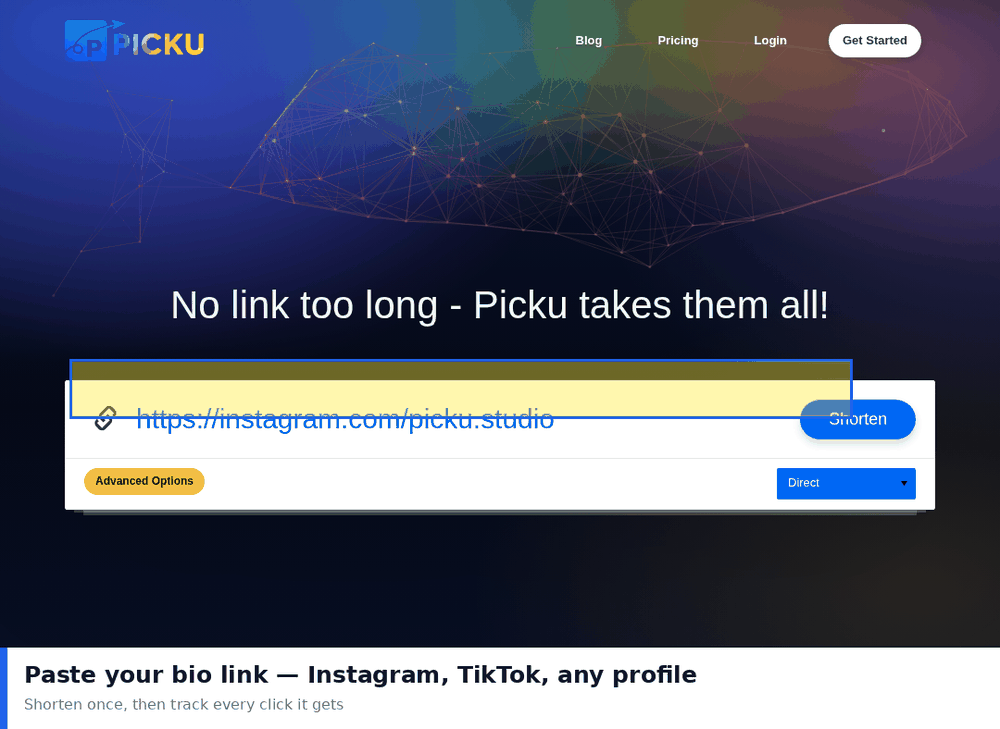
Social platforms that allow only one clickable link created an entire category of tools. A link in bio page sits between the profile and several destinations, giving visitors a small menu instead of a single path. Used well it solves a real problem. Used as a default it quietly costs you clicks.
The decision is not really about which tool to pick. It is about whether you need a menu at all.
What a Link in Bio Page Actually Does
It is a lightweight landing page holding several links, reached from the single slot a platform gives you. Its job is to shorten the distance between interest and a specific destination without forcing one choice on everyone.
- It adds a step. Every visitor has to load an extra page and make a second decision.
- It removes a constraint. You can promote several things at once instead of picking one.
- The trade is real. Convenience for you, friction for them.
When a Menu Is the Right Answer
- You promote several things at once and none of them is clearly the priority.
- Your content is evergreen rather than tied to a current campaign.
- Your audience has varied interests and will genuinely choose differently from each other.
- You have no single conversion goal that matters more than the others.
When a Single Link Performs Better
- You are running one campaign. Send people straight there and remove the decision entirely.
- You have one clear conversion goal. A menu splits attention and reduces it.
- Your audience is small. Low volume means you cannot afford to lose a share of it to an extra step.
- The destination is obvious. If everyone wants the same thing, do not make them choose.
Building One That Works
If you do use a menu page, a few rules keep it from becoming a wall of options.
- Three or four links, not ten. Every additional option reduces the chance any of them gets clicked.
- Put the current priority first. Position matters more than styling.
- Use action wording. Read the guide beats Guide, because it tells people what happens next.
- Make it fast on a phone. Almost all visitors arrive on mobile, and heavy pages lose them before they choose.
- Match the page to your profile. A visitor who does not recognise the page will not trust the links.
Dedicated Tools Versus Your Own Site
You can use a dedicated link in bio service or build a simple page on your own site. Both work, and the choice depends on what you value.
- Dedicated tools. Fast to set up, usually include click data, and require no maintenance. The downside is a domain you do not control.
- A page on your own site. Full control, better branding, and better analytics if you already use a platform. It needs someone to maintain it.
- A short link to a filtered page. A reasonable middle ground when you want tracking without a separate tool.
Measuring Whether It Helps
- Count clicks per option. If one link takes most of the clicks, consider sending people there directly.
- Compare against a single link period. Run each approach for a few weeks and compare total clicks, not just distribution.
- Watch how fast people choose. Very short visits suggest the page did not match expectations.
- Track where visitors go next. The menu is a means, not an outcome.
Common Mistakes
- Listing everything you have. A long menu converts worse than a short one and worse than a single link.
- Never updating it. A menu promoting last season content signals neglect.
- Using vague labels. Click here tells nobody anything.
- Ignoring mobile load time. This is where most of the lost clicks go.
- Using it when a direct link is better. The tool should serve a need, not fill a slot.
Combining With Short Links
A link in bio page and short links solve different problems and work well together. Use the menu when you genuinely have several destinations, and use a branded short link for the profile slot itself so you get click data and can repoint it later. Tag the link so analytics attributes the traffic correctly, and use different short links in stories versus the bio, which lets you see which placement actually performs.
Keeping the Page Fast and Accessible
A link in bio page is almost always opened on a phone, often on a poor connection, and usually by someone with a short attention span. Speed and clarity are therefore functional requirements rather than polish.
- Keep the page under a second to load. Every extra second loses visitors before they see a single option.
- Use plain text labels. Text loads immediately and is readable by screen readers, unlike text rendered inside images.
- Make tap targets large enough. Buttons that are too close together cause mis-taps on the first attempt.
- Check the page without images and without JavaScript. If the links disappear, the page is more fragile than it looks.
- Test on an older phone. Your own device is usually much faster than the typical visitor device.
Revisiting the Decision
The most useful thing about a link in bio setup is treating it as temporary. Revisit it whenever your priorities change, and be willing to remove it. If a single destination starts taking most of the clicks, that is a signal the menu has stopped earning its extra step, and replacing it with one direct link will usually increase the number of people who arrive. The reverse is also true, so the practical habit is a quarterly check: look at the click distribution, drop anything below a small threshold, and ask whether the page is still the shortest path to what your audience actually wants.