
Instagram gives you exactly one clickable link in your profile, and everything else on the platform is designed to keep people inside the app. That single slot carries an outsized share of your external traffic, which makes it worth more attention than most people give it.
The mistake is treating it as a place to paste your homepage once and forget. Used properly, it is a measurable channel that you can point at whatever matters most this week.
What the Bio Link Is Actually For
Your bio link has one job: moving someone from casual interest to a specific action. That action changes over time, which is why a static homepage link underperforms.
- Launching something. Point directly at the new product or post rather than making people search for it.
- Capturing email. A signup page converts better than a homepage when the visitor already knows who you are.
- Supporting a campaign. Matching the link to what you are posting about removes a step between interest and action.
- Driving to a specific piece of content. If a post mentions a guide, the bio link should go to that guide.
Three Ways to Fill the Slot
A direct link
The simplest option and often the best one. If you have a single clear destination, link to it. No intermediate page means no extra tap, and every tap you remove increases the number of people who arrive.
A short link on your own domain
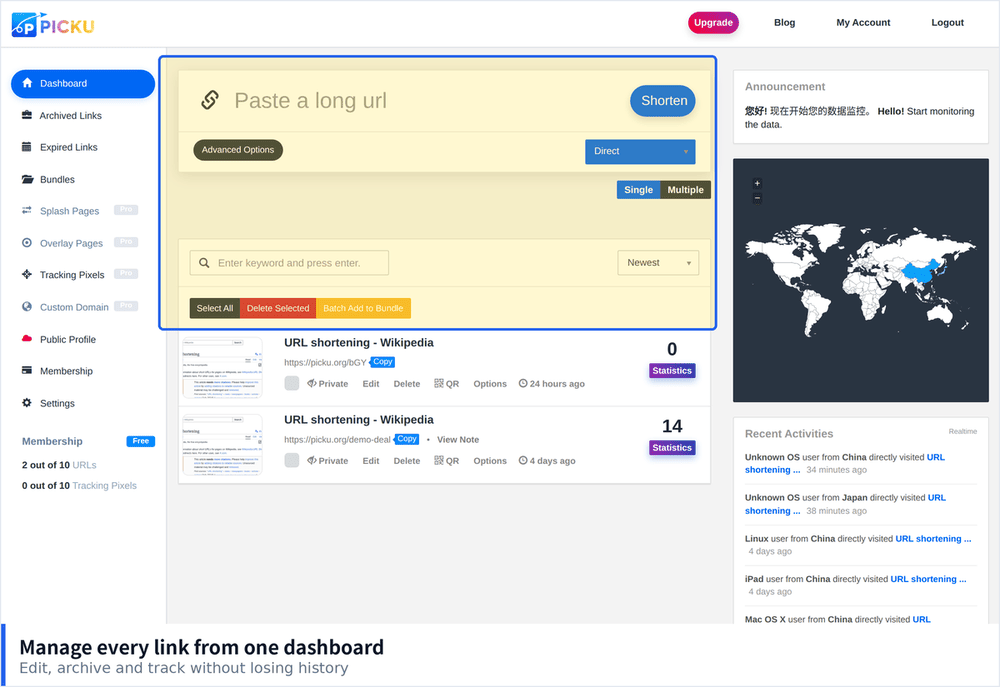
A branded short link looks more trustworthy than an unfamiliar address and takes up less space in the bio. It also gives you click data that a plain link cannot, and lets you change the destination later without editing your profile.
A link in bio page
A small page listing several destinations. This makes sense when you genuinely have multiple places to send people, but it adds a tap and dilutes attention. If you use one, keep it to three or four options at most.
Setting It Up Properly
- Change the link when your content changes. A bio link pointing at last month campaign is a wasted slot.
- Make the destination mobile first. Almost every visitor arrives on a phone, so a page that loads slowly on mobile loses most of them.
- Match the link to what you say in posts. When you tell people to check the link in bio, the destination should obviously relate to what they just read.
- Use a readable short code. Some people type the address manually, and a random string of characters gets mistyped.
- Add tracking parameters. Tag the link so analytics shows it came from Instagram rather than dumping it into direct traffic.
Measuring Whether It Works
A link in bio is one of the few Instagram elements you can measure properly, so it is worth reading the numbers.
- Click count against reach. If impressions are high and clicks are near zero, the call to action is the problem, not the link.
- Compare weeks rather than days. A single post can distort one day of data.
- Watch what happens after the click. Visitors who leave immediately mean the destination did not match the promise.
- Test one change at a time. Change the destination or the call to action, not both, or you will not know what worked.
Mistakes That Cost Clicks
- Linking to the profile of another platform. Sending people somewhere with more choices usually ends the journey.
- Leaving a link that no longer works. Check it monthly. A dead link in the bio is worse than no link.
- Using a long tracking URL. It looks alarming and gets truncated visually anyway.
- Forgetting that most visitors will not return. The destination has to make sense with no prior context.
Matching the Link to Your Content Mix
The right destination depends on what you publish. Accounts that post educational content do better sending people to a specific resource, while accounts built around products usually convert better pointing at a single offer. The wrong choice is sending everyone to a page that asks them to decide.
- Tutorial and explanation posts. Link to the full guide rather than a homepage, so the visitor continues what they started reading.
- Product or service posts. Link straight to the relevant page, skipping any intermediate step.
- Announcements. Link to the announcement itself, since that is what the audience is curious about.
- Evergreen accounts with no current campaign. A link in bio page with three or four clear options is reasonable here, since there is no single destination to prioritise.
What to Do When You Have Several Destinations
Having more than one thing to promote is normal, and there are ways to handle it without adding an extra tap for everyone.
- Rotate rather than list. If two campaigns never overlap, change the link instead of offering both.
- Use different links in different places. Stories allow links for many accounts, so the bio link does not have to serve every purpose.
- Pin the most important option. If you use a link page, put the current priority first, not last.
- Keep the page fast. A link page that takes four seconds to load on mobile loses a significant share of the clicks before they happen.
Treating One Link as a Real Channel
The accounts that get value from the bio link are the ones that treat it as a channel with an owner and a schedule rather than a setting. Pick one destination, tie it to what you are currently promoting, check the click data every couple of weeks, and swap it when the promotion ends. That is perhaps fifteen minutes of work a month, and it is the difference between a link that sits there and a link that consistently moves people to whatever you want them to see next.